BreakTheIce
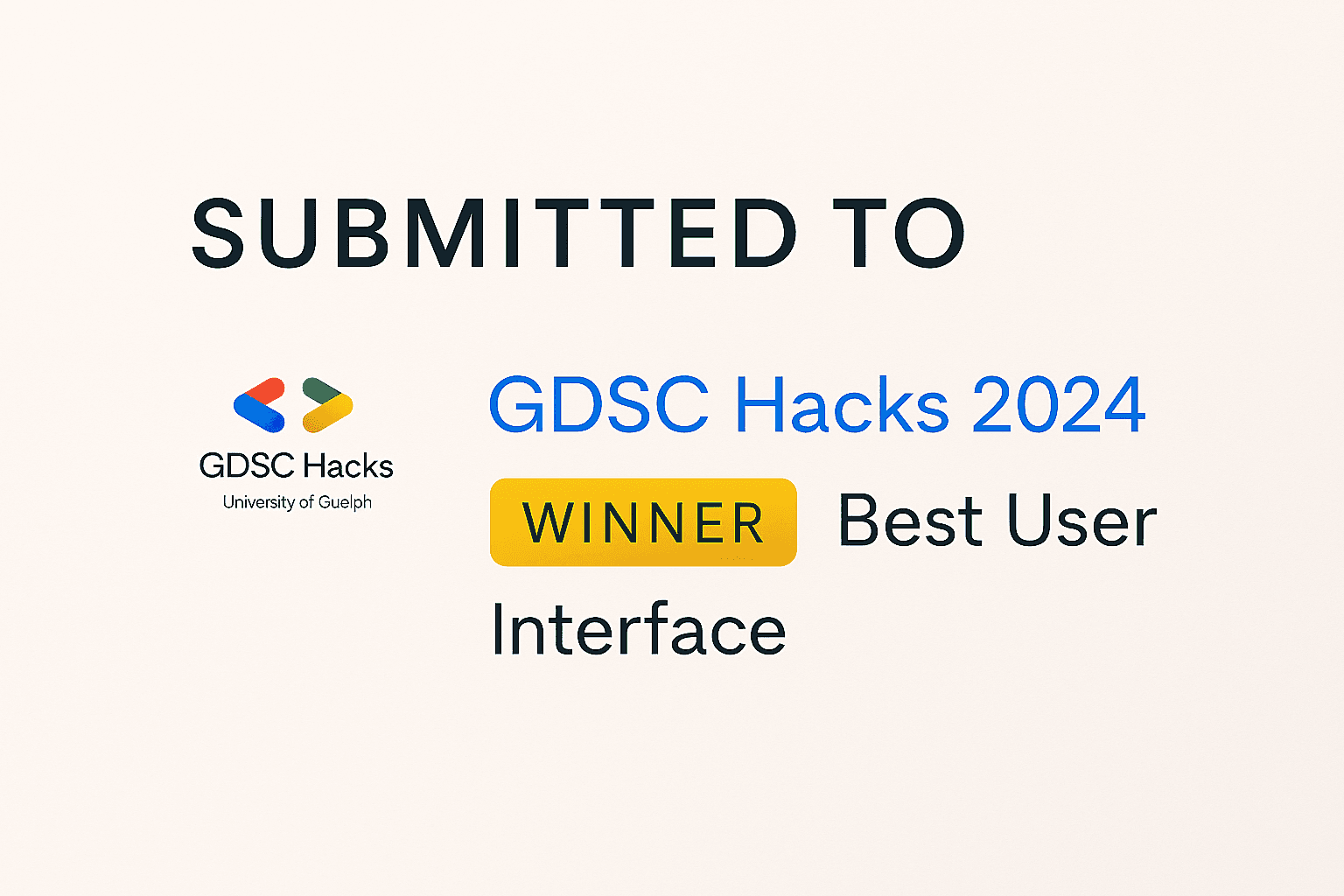
Awarded 'Best UI Winner' at Google Developer Hacks
Awarded 'Best UI Winner' at Google Developer Hacks
UI Designer Idea/Concept Researcher
Icebreaker App is a simple web application designed to help people connect more easily. The app curates icebreaker activities with clear, concise directions in a streamlined platform that supports natural interaction. Well suited for schools, clubs, summer camps, and professional environments, it offers a variety of icebreakers that promote collaboration, communication, and team building.
Platform UI Screen
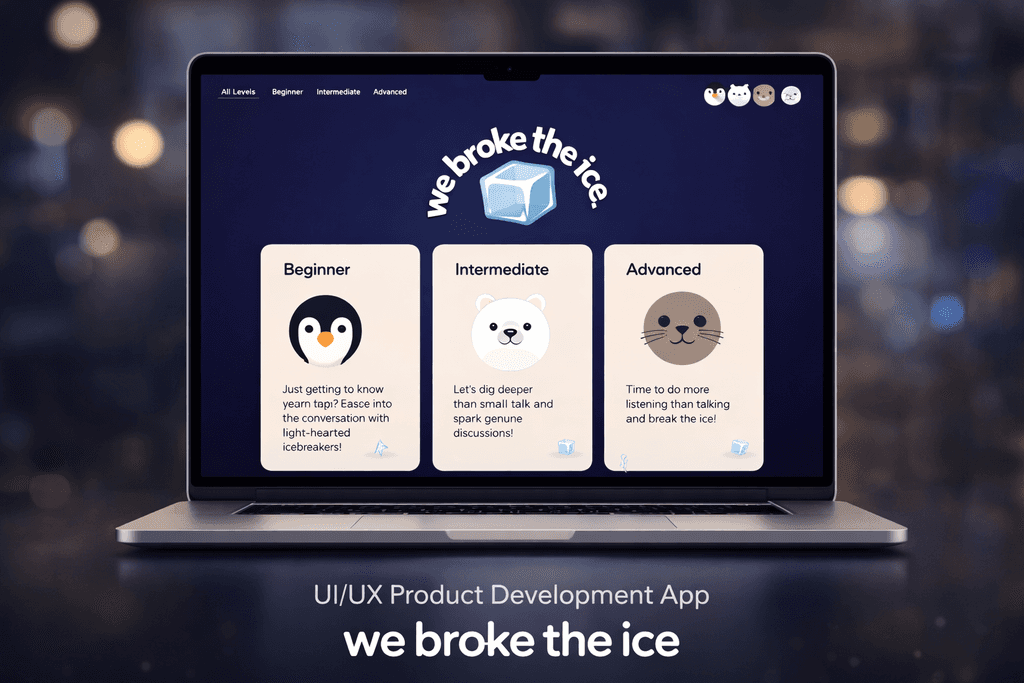
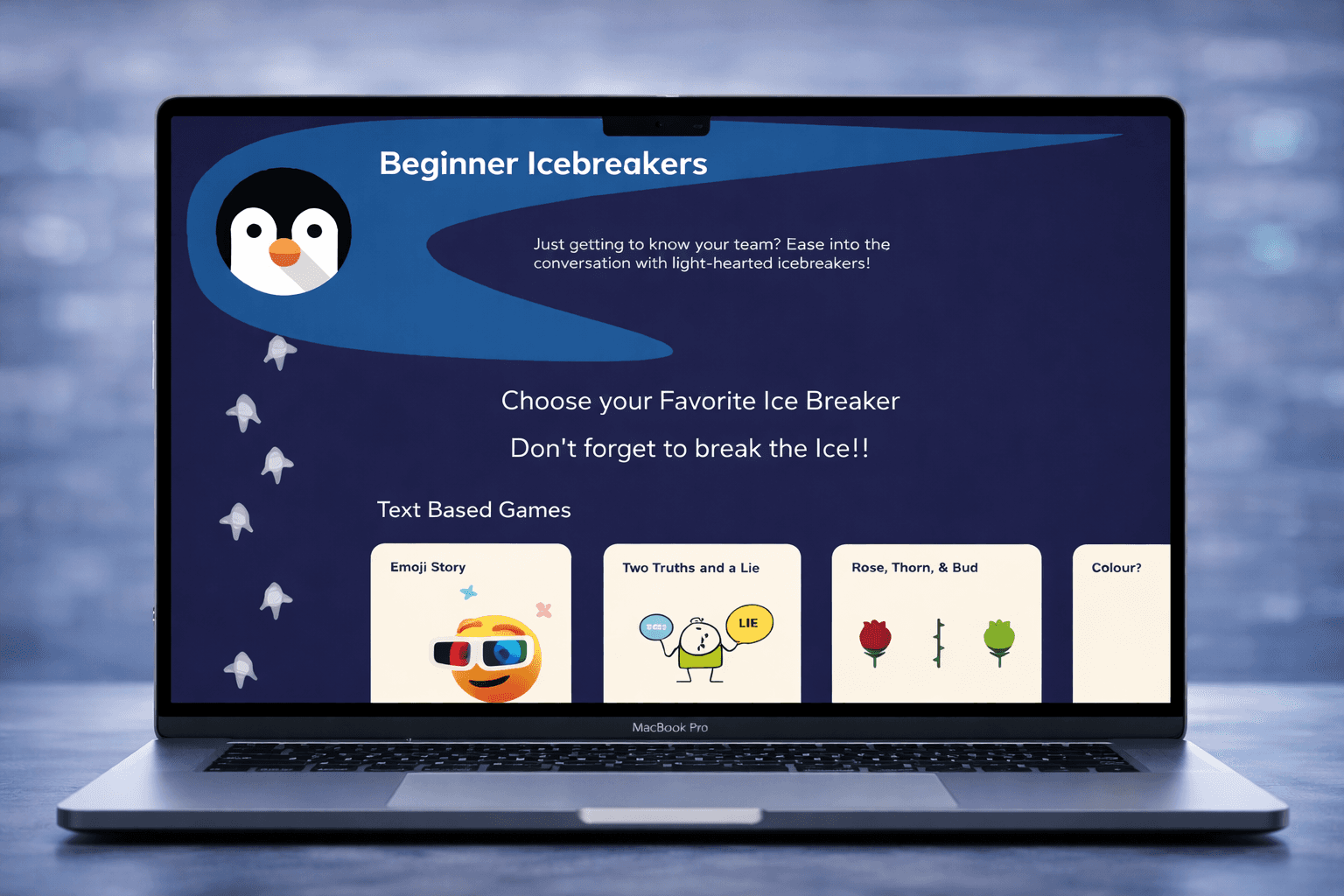
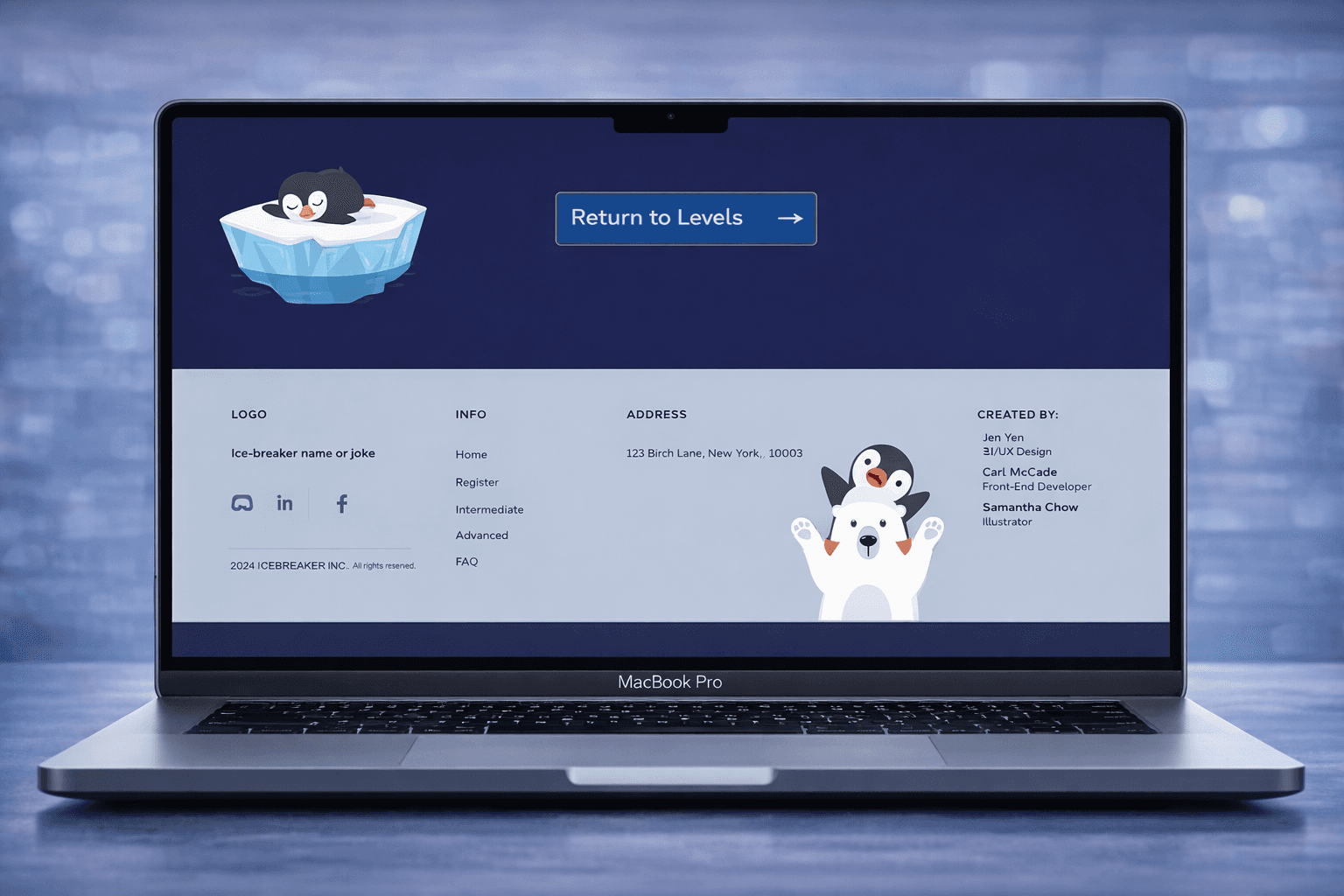
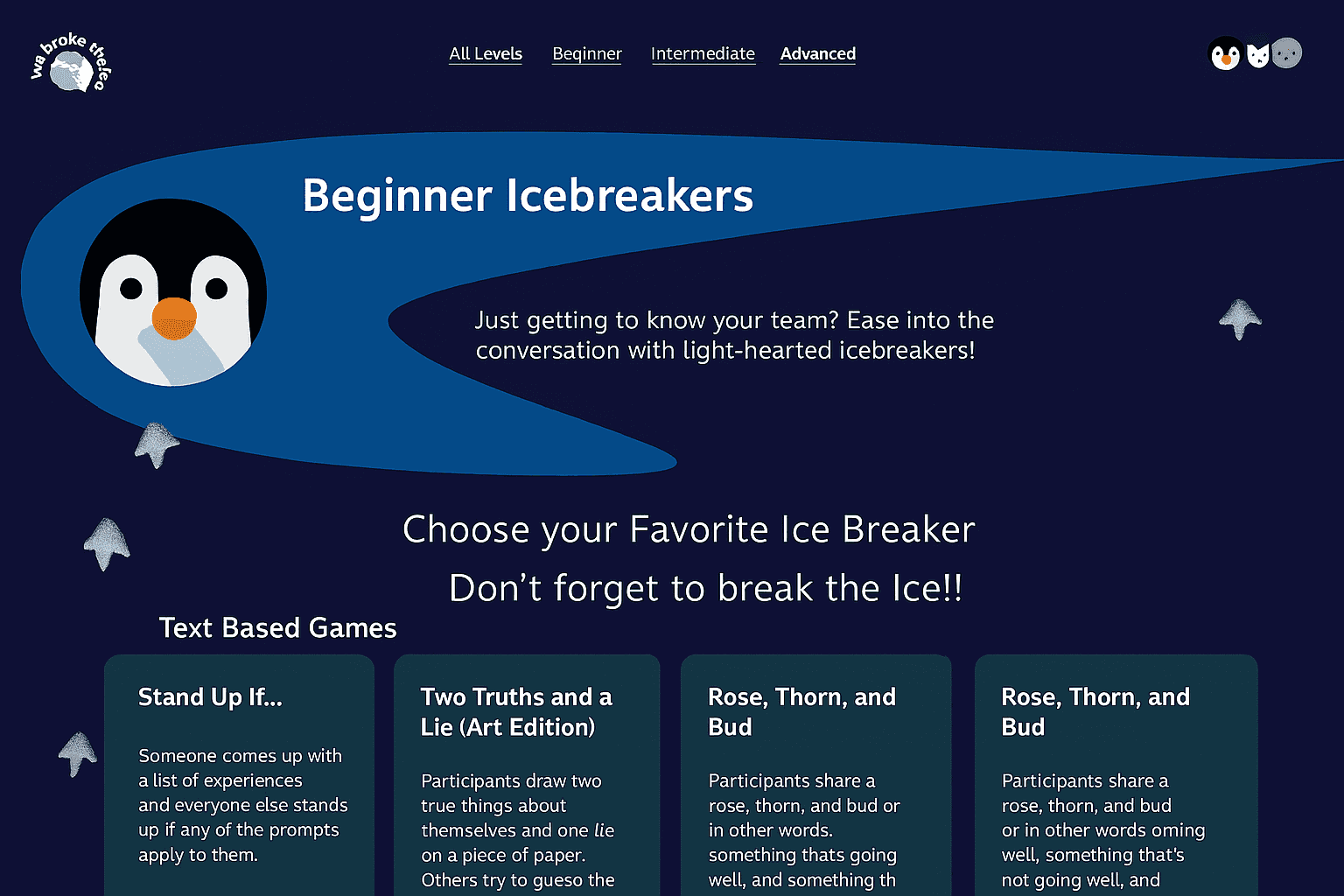
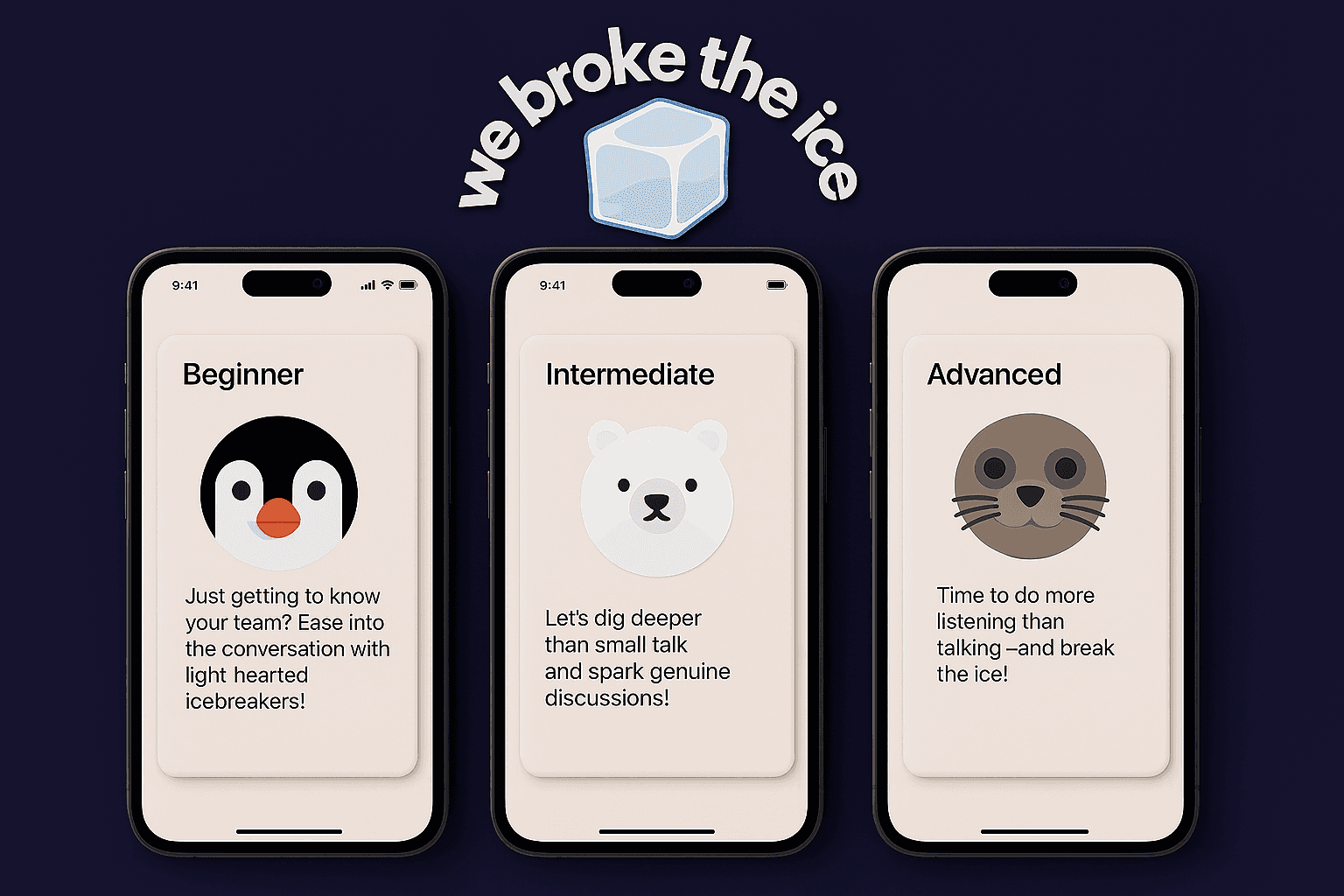
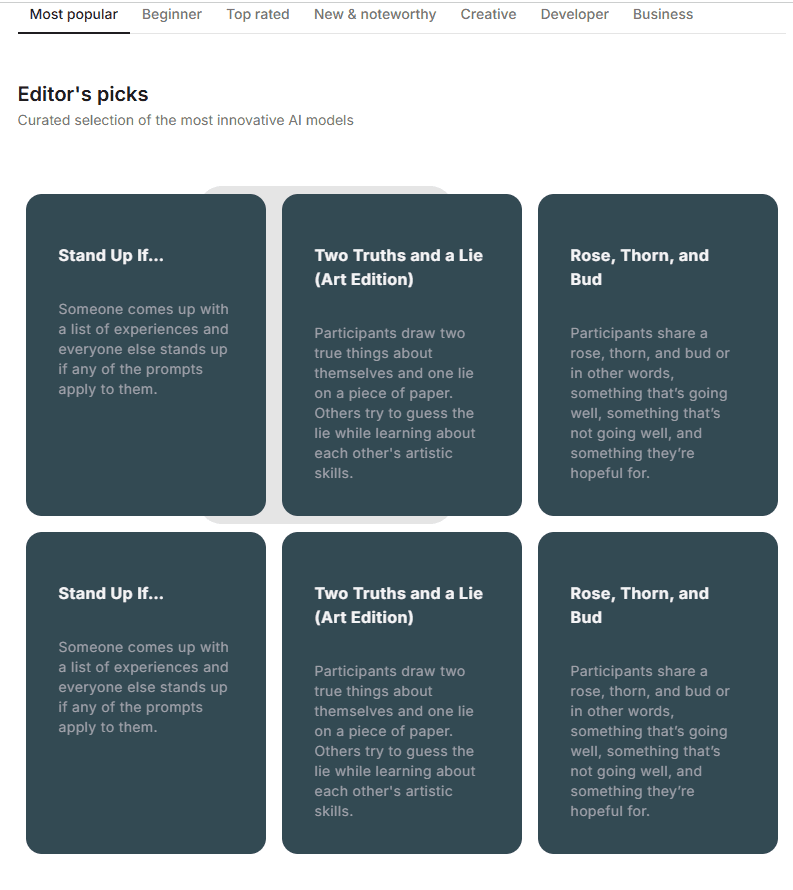
This interface is designed to create a friendly and low-pressure experience for users exploring icebreaker activities. Clear visuals hierarchy, playful illustrations and accessible navigation help guide users through different levels while maintaining consistency and ease of use across the product.
Tools Used
We used Figma for our main prototype and UI part of the project but additionally, we used react + ex.js to connect the UI with a domain for the icebreaker ice more interactive
Used React for the frontend, Node.js for the backend, and Express servers to connect the two.
Applied the Design Thinking framework to move from problem definition to low-fidelity sketches and high-fidelity UI.
Used Figma for wireframing, prototyping, and rapid visual iteration under time constraints.
Designed with accessibility and inclusivity in mind (clear typography, colour contrast, simple layouts).
Translated user flows into clean, scalable UI components for a smooth end-to-end experience.
Learned to balance visual polish with usability, prioritizing clarity over complexity in a hackathon setting.
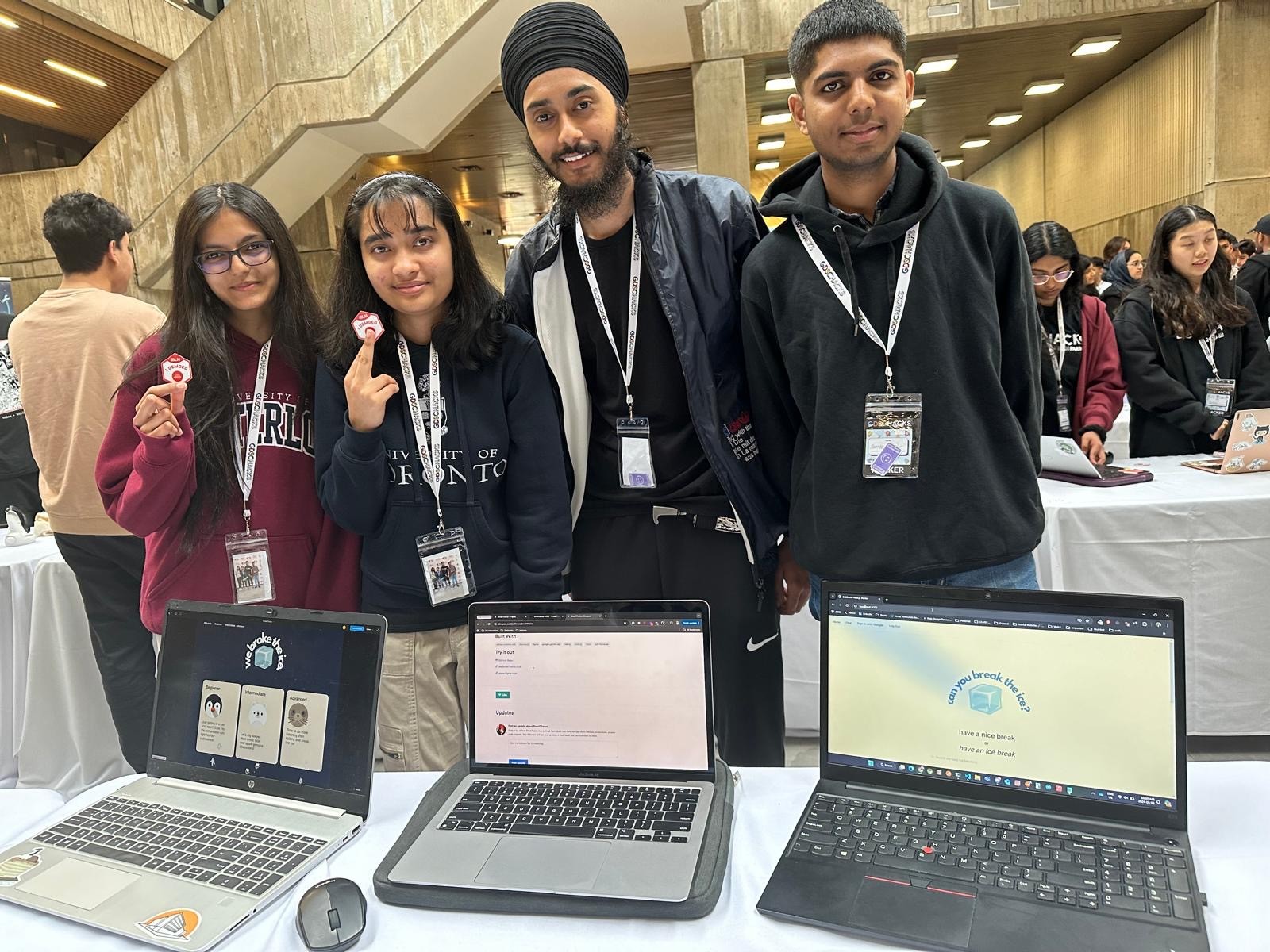
Awarded 'Best UI Winner' at Google Developer Hacks
UI Designer Idea/Concept Researcher
Icebreaker App is a simple web application designed to help people connect more easily. The app curates icebreaker activities with clear, concise directions in a streamlined platform that supports natural interaction. Well suited for schools, clubs, summer camps, and professional environments, it offers a variety of icebreakers that promote collaboration, communication, and team building.
Platform UI Screen
This interface is designed to create a friendly and low-pressure experience for users exploring icebreaker activities. Clear visuals hierarchy, playful illustrations and accessible navigation help guide users through different levels while maintaining consistency and ease of use across the product.
Tools Used
We used Figma for our main prototype and UI part of the project but additionally, we used react + ex.js to connect the UI with a domain for the icebreaker ice more interactive
Used React for the frontend, Node.js for the backend, and Express servers to connect the two.
Applied the Design Thinking framework to move from problem definition to low-fidelity sketches and high-fidelity UI.
Used Figma for wireframing, prototyping, and rapid visual iteration under time constraints.
Designed with accessibility and inclusivity in mind (clear typography, colour contrast, simple layouts).
Translated user flows into clean, scalable UI components for a smooth end-to-end experience.
Learned to balance visual polish with usability, prioritizing clarity over complexity in a hackathon setting.
Awarded 'Best UI Winner' at Google Developer Hacks
UI Designer Idea/Concept Researcher
Icebreaker App is a simple web application designed to help people connect more easily. The app curates icebreaker activities with clear, concise directions in a streamlined platform that supports natural interaction. Well suited for schools, clubs, summer camps, and professional environments, it offers a variety of icebreakers that promote collaboration, communication, and team building.
Platform UI Screen
This interface is designed to create a friendly and low-pressure experience for users exploring icebreaker activities. Clear visuals hierarchy, playful illustrations and accessible navigation help guide users through different levels while maintaining consistency and ease of use across the product.
Tools Used
We used Figma for our main prototype and UI part of the project but additionally, we used react + ex.js to connect the UI with a domain for the icebreaker ice more interactive
Used React for the frontend, Node.js for the backend, and Express servers to connect the two.
Applied the Design Thinking framework to move from problem definition to low-fidelity sketches and high-fidelity UI.
Used Figma for wireframing, prototyping, and rapid visual iteration under time constraints.
Designed with accessibility and inclusivity in mind (clear typography, colour contrast, simple layouts).
Translated user flows into clean, scalable UI components for a smooth end-to-end experience.
Learned to balance visual polish with usability, prioritizing clarity over complexity in a hackathon setting.